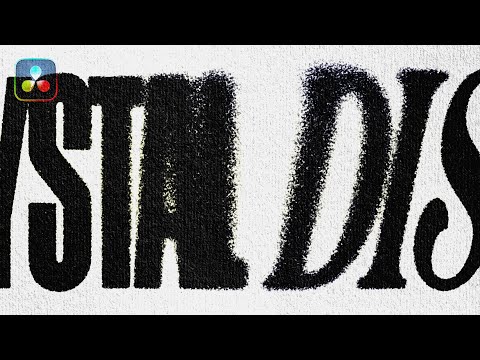
I will be live 10 p.m. EST 06/06/2025 creating macros and creating effects per request! Project File: Recommended Tutorials: Wiggle Text: Heat Distortion: Overlays: Macros: Vizion (Created the Diffuse Macro): @VizionVFX/ Music: Timestamps: 0:00 - Introduction 0:15 - Wiggle Text Animation 1:37 - Roughen Edges 3:22 - SC_BlockyNoise (FREE MACRO) 5:30 - Diffuse (MACRO FROM VIZION1Y) 6:00 - Background Text 6:45 - Custom Lens Distort 8:15 - Halftone Pattern 9:47 - TV Noise Overlay Displacement 11:00 - Camera Shake 11:25 - Image Ghosting 11:50 - Grunge Overlay 12:30 - Posterize Time (Stop Motion Node) 13:20 - Adjusting Settings 13:34 - Outro --------------------------------------------------------------------------------------------------------------------------- #GrungeTextEffect #DaVinciResolveText #DaVinciResolveGrunge #TextAnimationResolve #DistressedTypography #FusionTextEffects #GlitchTextDaVinci #GrungeTitleDesign #MotionDesignResolve #DaVinciResolveTutorial #GrungeStyleText #AnimatedTypography #DaVinciTextTutorial #TextFXDaVinci #GrungeVisuals
- 1807Просмотров
- 6 месяцев назадОпубликованоSci
[FREE] How to Create Grunge Print Text in DaVinci Resolve 19+
Похожее видео


Популярное
Новини